
AI Tools for Consultants: 10 Must-Haves to Crush Burnout
Let’s be real: AI tools for consultants are no longer a “nice-to-have”—they’re essential. I’ve been consulting for years, and if there’s one thing I wish I had figured out earlier, it’s how to work smarter, not harder. And nothing helps you do that faster than the right AI stack.
Whether you’re a solo consultant juggling client work, admin, and marketing (all before lunch), or you’ve started building a team, AI tools can take repetitive tasks off your plate, help you make smarter decisions, and ultimately, scale without burning out.
In this guide, I’ll break down the best AI tools for consultants, what I personally use (and love), and how you can plug them into your workflow right away.
Why Every Consultant Should Use AI Tools
Before we get into the tools, let’s answer the real question: Why bother with AI?
Because you didn’t start consulting to write endless emails, transcribe Zoom meetings, or waste an hour creating slides. You did it to serve clients, solve problems, and build a business on your terms. AI helps you do more of that.
Here’s what the right AI tools can help you do:
- Automate busywork like writing and admin
- Create marketing assets faster
- Level up client delivery with smart insights
- Run smoother operations (even solo)
Now let’s get into the good stuff.
Top AI Tools for Consultants (That I Actually Recommend)
1. ChatGPT & Claude AI – Your Personal Assistant for Content and Strategy
These two are my go-to for:
- Brainstorming blog or LinkedIn content ideas
- Writing email sequences or reports
- Reviewing and polishing proposals
Here’s how I use them:
- I’ll prompt ChatGPT with “Give me 10 content ideas for HR consulting firms” — boom, instant inspo
- I drop in a rough client email and ask for improvements — faster and more polished every time
But here’s a warning: Don’t publish raw AI output. Add your voice, your story, your experience. AI gives you a first draft. You make it great.

Also check out: How to use AI for content creation
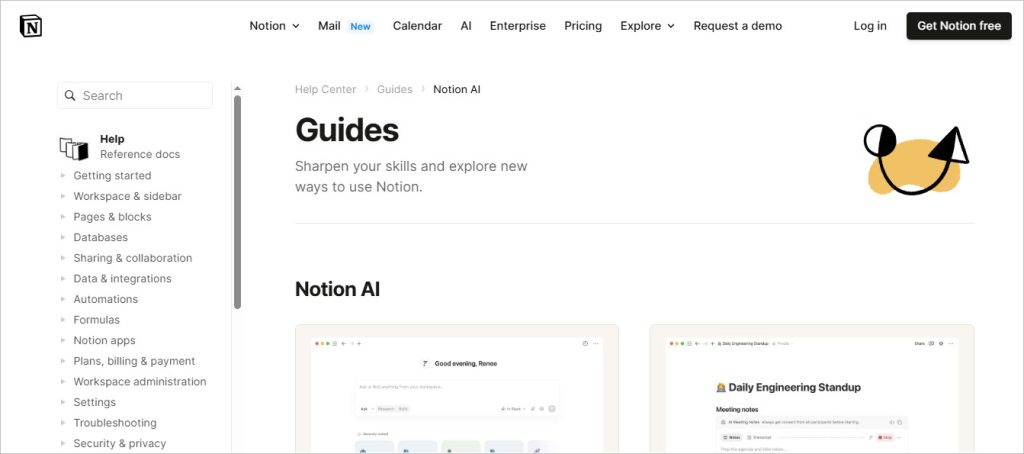
2. Notion AI – Organize Everything in One Place
Notion AI is perfect if you’re the type of consultant who juggles:
- Meeting notes
- Client onboarding docs
- SOPs
- Internal projects
You can even use it as a client portal or lightweight project management system.
Bonus tip: Use it with Loom (coming up next) to embed training videos for new clients or VAs.
3. Loom – Communicate Faster with Video
This tool changed the game for me. I use Loom to:
- Send project updates to clients
- Record SOPs for my team
- Answer complex questions visually (way faster than typing)
And here’s the kicker: You can create a video knowledge base just by recording your screen while working. It’s amazing for onboarding or documentation.
4. Otter.ai & Fireflies – Never Take Meeting Notes Again
As a consultant, your time is money. Stop scribbling notes and start recording smarter. Tools like Otter.ai and Fireflies.ai will:
- Transcribe your Zoom or Teams calls
- Summarize action items
- Let you search transcripts by keyword (super helpful when reviewing deals or project specs)
If you’re doing multiple client calls per week, these are lifesavers.
5. Jasper & Copy.ai – AI Writing for Emails, Ads, and Funnels
If you’re running any kind of lead generation campaigns, these tools can:
- Write copy for LinkedIn ads or cold emails
- Draft nurture sequences
- Spin up landing pages
Yes, ChatGPT can do this too — but Jasper and Copy.ai have marketing-specific templates that save time.
6. Beautiful.ai & Tome – Smarter Presentations in Minutes
Pitching new clients? Running strategy workshops? These AI-powered presentation tools are your secret weapon:
- Automatically design slides based on your input
- Customize client decks in minutes
- Save hours on formatting
They’re not perfect, but they get you 90% of the way.
7. Grammarly – Polished Writing That Builds Credibility
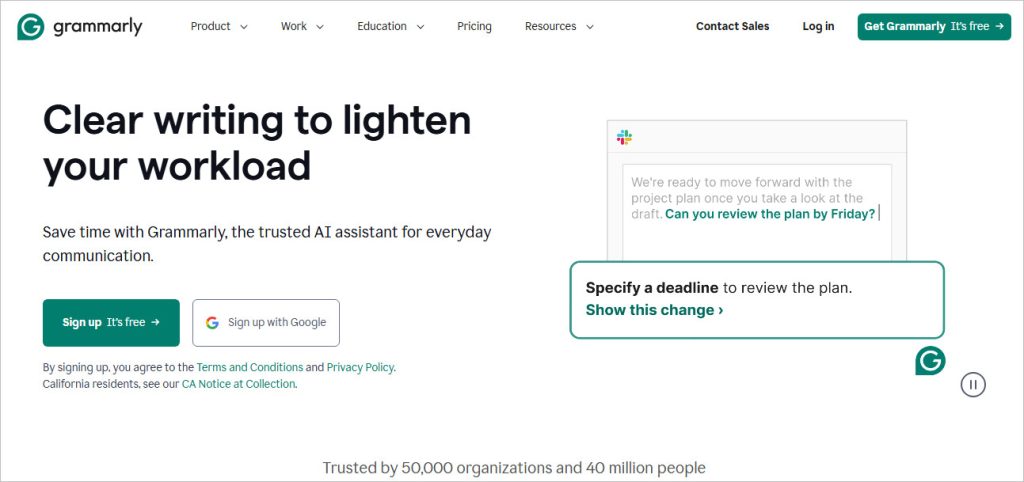
Grammarly has grown into a full-blown AI writing assistant. I use it to:
- Clean up client emails
- Improve blog drafts
- Catch awkward phrasing before I hit send
If English isn’t your first language, this is a no-brainer.
8. Krisp.ai – Noise-Free Audio for Calls and Recordings
You’ve probably had meetings where background noise ruined the vibe. Krisp removes that problem by:
- Blocking background noise on calls
- Cleaning up podcast audio
- Helping you sound more professional
Super useful if you’re working from home, cafés, or with kids nearby.
9. MidJourney & DALL·E – Stunning Visuals on Demand
Need client-facing visuals? Social media graphics? Ebook covers?
Try DALL·E or MidJourney. They’re not just for designers — with the right prompts, you can:
- Create unique visuals fast
- Avoid using boring stock photos
- Stand out in client proposals or online marketing
If you’re new to prompt design, check out this MidJourney starter guide from OpenAI.
10. TextExpander & Text Blaze – Save Time on Repetitive Replies
You know those emails you write again and again? TextExpander lets you:
- Create shortcuts for long replies
- Insert templates with a few keystrokes
- Standardize communication across your team
It’s like having a mini AI-powered CRM assistant.
How to Actually Use AI Tools as a Consultant
Let me be honest — you don’t need every tool on this list. That’s a fast track to overwhelm. Instead, here’s how I recommend approaching it:
- Start with 1–2 tools (like ChatGPT and Loom)
- Use them consistently in your day-to-day tasks
- Once you feel confident, layer on others where you need help
Here’s a simple framework:
| Task | Suggested AI Tool |
|---|---|
| Writing/Editing | ChatGPT, Jasper, Grammarly |
| Meetings | Otter.ai, Fireflies |
| Visuals | MidJourney, DALL·E |
| Presentations | Beautiful.ai, Tome |
| Operations/Training | Notion AI, Loom |
FAQs: AI Tools for Consultants
Do I need to know how to code to use these tools?
Nope. Most of the tools on this list are no-code and super intuitive.
What’s the best AI tool for solo consultants?
Start with ChatGPT. It’s the most versatile and easiest to adapt for multiple tasks.
Can AI replace me as a consultant?
Definitely not. AI is a co-pilot — not a replacement. Your insights, strategies, and relationships are irreplaceable.
Are these tools safe for client data?
Many are compliant with industry standards, but always check individual privacy policies. If you’re in regulated industries (finance, healthcare), proceed with extra caution.
Final Thoughts: Use AI to Amplify, Not Replace
The best AI tools for consultants don’t just save time — they amplify your expertise. They give you breathing room to focus on what matters most: solving big problems, building client trust, and scaling your business.
Try a couple of these tools. Experiment. Make them part of your workflow. And don’t try to master them all at once.
Let your AI tools handle the busywork — so you can focus on delivering value.
This article contains affiliate links. If you click through and make a purchase, I may earn a small commission at no extra cost to you. I only recommend tools I’ve personally tested or trust.