Best AI Tools for Video Creators: The Only Guide You Need in 2025
When I first started editing videos, I had no idea what I was doing. But everything changed the moment I discovered the best ai tools for video creators. Suddenly, the things that took me hours felt effortless.
AI became the creative assistant I never knew I needed. And today, I want to share everything I’ve learned so you can speed up your workflow, produce better content, and stay ahead of the competition.
If you’re a YouTuber, TikTok creator, filmmaker, marketer, or business owner looking to produce videos faster without losing quality, this guide is for you. I’ll walk you through the AI tools I personally use, the ones I recommend, and the exact use cases where each tool shines.
Let’s dive deep into how AI can transform your entire video creation journey.
Why I Focus So Much on the Best AI Tools for Video Creators
As someone who edits videos every single day, I’ve tested pretty much everything on the market. What I’ve learned is simple: AI doesn’t replace creativity, but it definitely replaces the boring stuff.
Here are the areas where AI helps me the most:
- Automating repetitive tasks
- Brainstorming content ideas
- Writing scripts
- Creating B-roll
- Cleaning audio
- Generating subtitles
- Editing faster with smart cut tools
- Publishing and optimizing videos
The truth is, using AI isn’t cheating. It’s smart. It lets you focus on storytelling instead of technical headaches.
Understanding the Landscape of the Best AI Tools for Video Creators
Before choosing the right tools, you need to understand the major categories of AI in video production. Once you understand these categories, it’s easier to pick what you need.
1. AI Scriptwriting and Planning Tools
These tools help you plan video ideas, create scripts, develop shot lists, and brainstorm topics. They’re perfect for creators who struggle with writer’s block or want to publish more consistently.
2. AI Video Editing Tools
From auto-cutting silence to generating entire videos from text, these tools accelerate your editing workflow dramatically.
3. AI Voice and Audio Tools
Good audio can elevate even average visuals. AI tools now remove noise, level voices, and generate synthetic voiceovers that sound real.
4. AI Thumbnail and Visual Tools
YouTube thumbnails are often more important than the video itself. AI tools help you create high-CTR designs in minutes.
5. AI Productivity Tools
These tools keep your entire workflow organized and automated.
Now let’s explore the best ai tools for video creators in each category.
Best AI Scriptwriting Tools for Video Creators in 2025
When I need ideas or a full script fast, these are the tools I rely on.
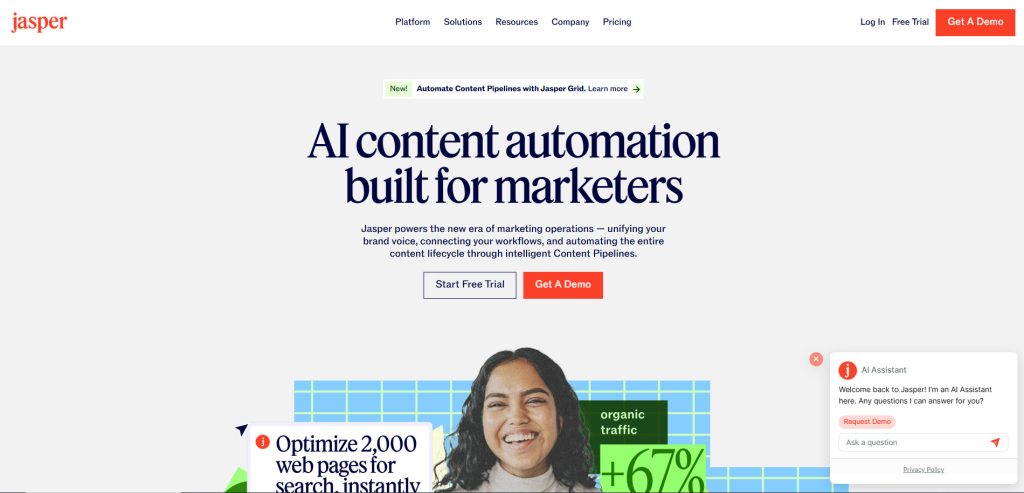
1. Jasper AI
Jasper is one of the smartest AI writing tools out there. It helps generate:
- YouTube scripts
- Video intros
- Topic ideas
- Story outlines
- SEO-friendly descriptions
It’s great for creators who want consistent posting without burning out.
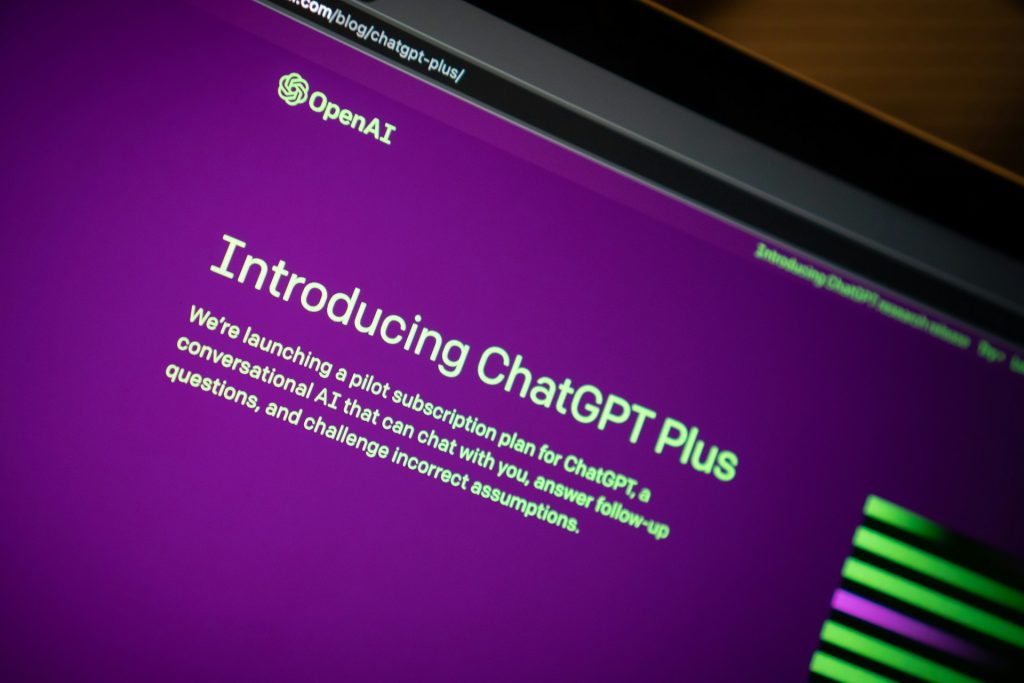
2. ChatGPT
Yes, I use ChatGPT constantly in my workflow. For scriptwriting, it’s unbeatable.
Here’s what I typically ask it to do:
- Expand my ideas
- Rewrite my scripts in a more natural tone
- Generate video hooks
- Create long-form documentary-style narrations
If you’re new to AI, ChatGPT is the perfect starting point.
3. Notion AI
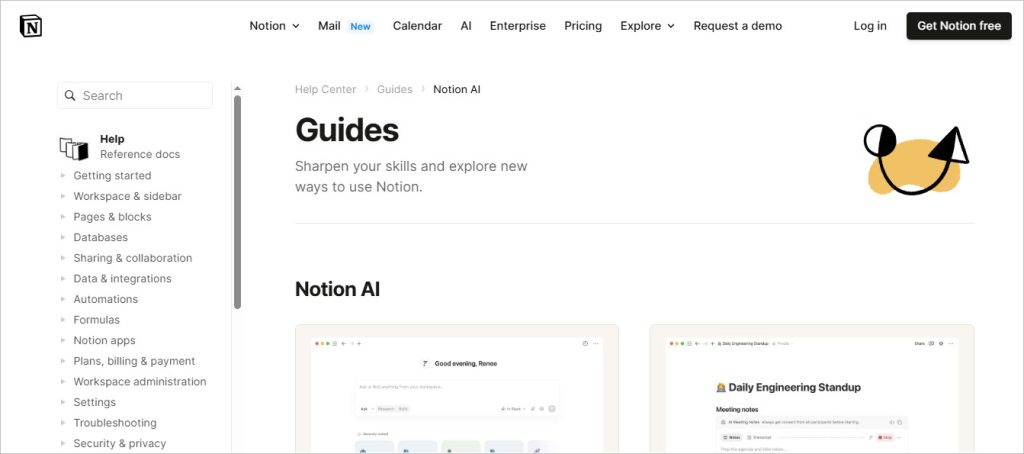
I use Notion for organizing my video production pipeline, and its AI assistant is incredibly helpful. It helps me:
- Summarize research
- Rewrite messy notes
- Plan series-based content
- Generate script outlines
If you’re building a long-term content plan, Notion AI is a must-have.
Best AI Video Editing Tools for Video Creators
This is where AI shines the most. Editing is the most time-consuming part of video production, and these tools help cut your time in half.
4. Descript
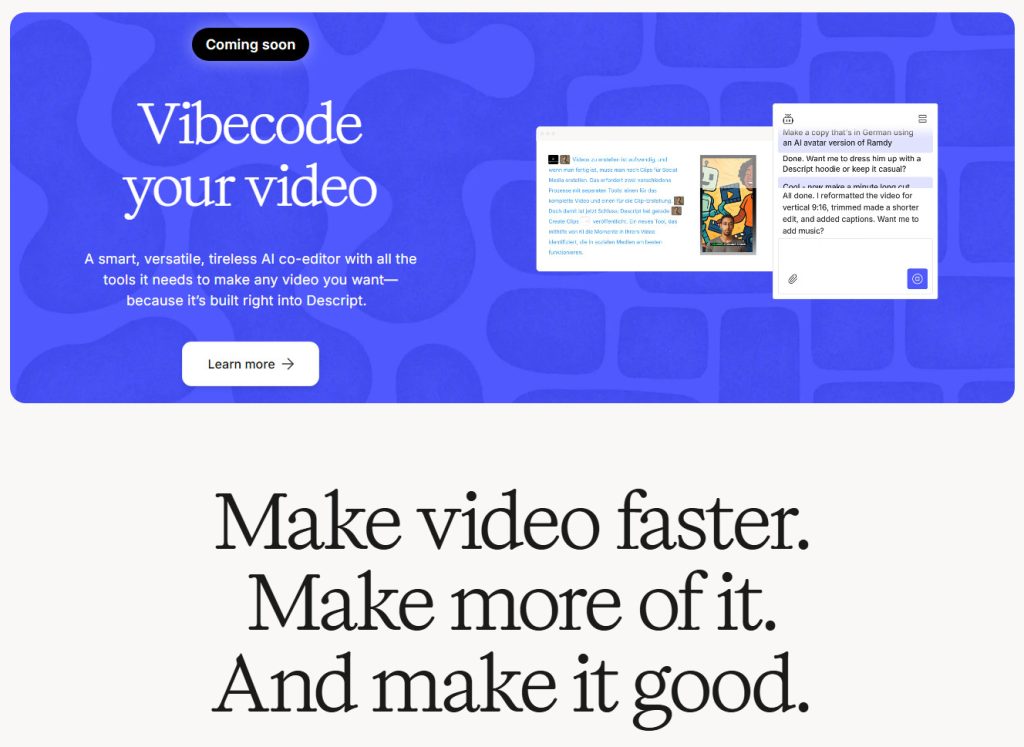
Descript is the editing tool I recommend to every beginner. It lets you:
- Edit video by editing text
- Remove filler words automatically
- Apply AI eye contact correction
- Clone your voice
- Auto-caption your videos
Descript is perfect for podcasters, YouTubers, and educators.
5. Wondershare Filmora AI Tools
Filmora includes a ton of AI features such as:
- Auto beat sync
- Smart cutout
- AI video stabilization
- AI music generation
- AI text-to-video
It’s super beginner-friendly and perfect for content creators who want fast, clean edits.
6. Adobe Premiere Pro AI (Sensei)
Premiere is an industry standard, and Adobe Sensei AI makes it even better.
AI features include:
- Auto-reframe for vertical content
- Auto-captioning
- Scene edit detection
- Speech enhancement
- Smart color matching
If you’re a pro editor, Premiere is where you should be.
https://www.adobe.com/products/premiere.html
7. Final Cut Pro AI Tools
As a Mac user, I love how fast Final Cut feels. And with third-party AI plugins, it becomes even more powerful.
Check out my full Final Cut Pro guide here:
Final Cut Pro Tutorial: Step-By-Step For Beginners! (2025)
AI additions include:
- AI scene detection
- AI stabilization
- Auto speech enhancement
- Magic Mask-style plugins
For Apple fans, Final Cut is unbeatable.
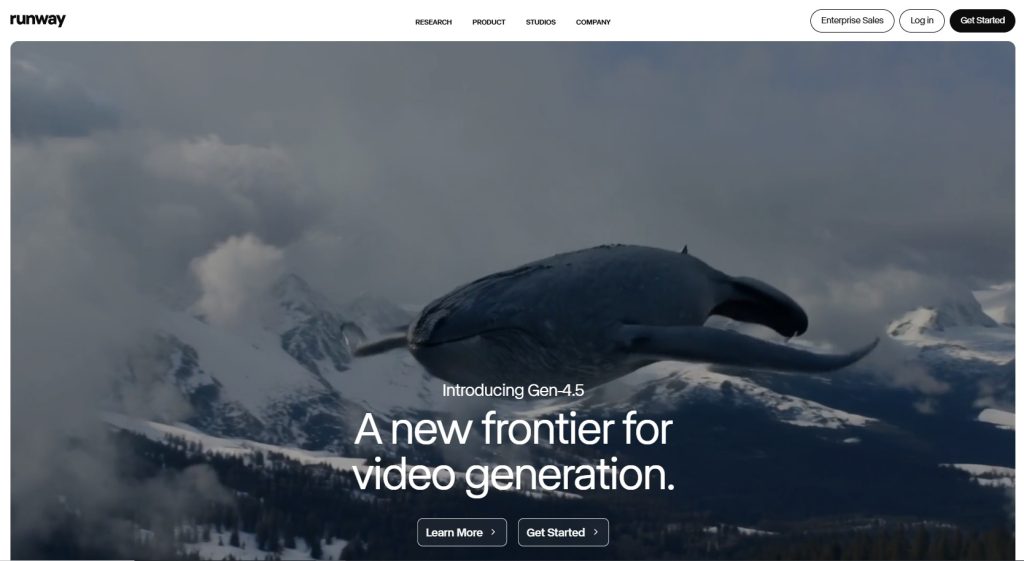
8. Runway ML
Runway is one of the most advanced AI video creation tools today. It allows you to:
- Create full text-to-video scenes
- Perform background removal
- Generate images for B-roll
- Use AI motion tracking
- Enhance footage
If you want cinematic AI content, Runway is a game-changer.
Best AI Audio Tools for Content Creators
Clean audio is crucial. These AI tools help me fix audio issues instantly.
9. Adobe Podcast AI (Speech Enhance)
This tool is magic. It makes low-quality audio sound like a studio recording.
Great for:
- Interviews
- Voiceovers
- Noisy environments
- Echoey rooms
10. Auphonic
Auphonic automatically:
- Balances loudness
- Removes hum
- Levels speech
- Cleans background noise
- Optimizes for podcast platforms
It’s a must-have for podcasters and voiceover artists.
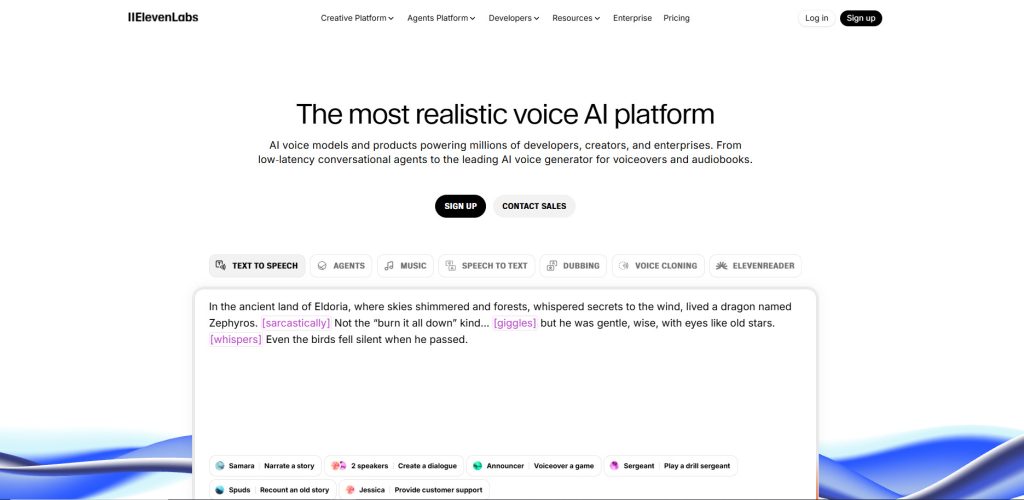
11. ElevenLabs
If you need realistic AI voiceovers, ElevenLabs is the most natural AI voice generator right now.
Use cases:
- Explainer videos
- Tutorials
- Dubs
- Narrations
Lebron AI Study Tool: Game-Changing or Overhyped?
Best AI Tools for Generating B-Roll, Stock Footage, and Visual Assets
12. Pika Labs
Pika generates video clips from nothing but text. Great for:
- Creative B-roll
- Animation
- Social media videos
- Short cinematic visuals
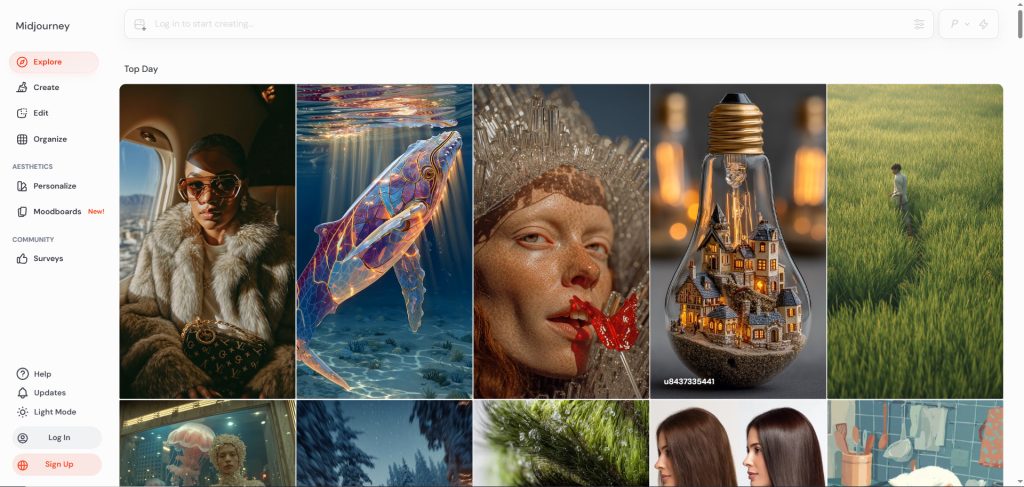
13. Midjourney
Midjourney helps me generate custom visuals like:
- Thumbnails
- Logos
- Background plates
- Concept art
You can turn these static images into animated shots using Runway or Pika.
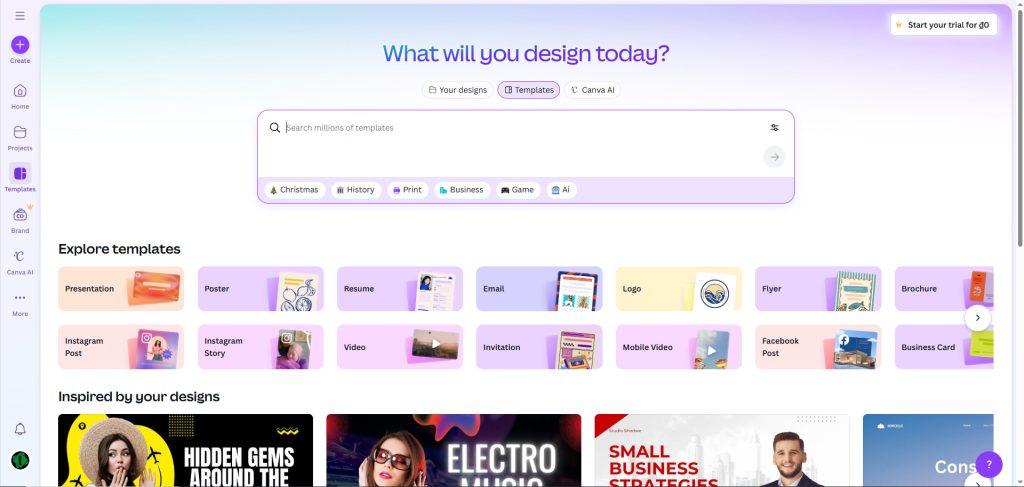
14. Canva AI
I use Canva every day for:
- YouTube thumbnails
- Lower thirds
- Titles
- Social media posts
Its AI tools now include:
- AI text-to-image
- Magic Eraser
- Magic Expand
- Brand Kit automation
If you want fast thumbnail production, this is your tool.
Best AI Tools for Transcription, Captions, and Subtitles
15. Veed.io
Veed makes subtitles effortless. It has:
- Auto-captioning
- Editable subtitle styles
- Translation
- Background noise cleaning
- Screen recorder
I use it when I need captions fast without opening my main editor.
16. Kapwing
Kapwing is an all-in-one simple editor, great for teams. Its AI features include:
- Smart cut
- Auto translate
- Text-to-video
- Motion tracking
- AI subtitle generator
Great for creators who work on multiple platforms.
The Best AI Tools for Video Creators (Productivity Edition)
17. TubeBuddy
TubeBuddy’s AI tools help with:
- Keyword research
- Title optimization
- Thumbnail analysis
- A/B testing
This is essential if you’re trying to grow your YouTube channel.
18. VidIQ
VidIQ offers AI-powered:
- Script ideas
- Trending topics
- Analytics insights
- YouTube content strategies
It’s one of the tools that helped me grow faster in my early creator days.
How I Use the Best AI Tools for Video Creators in My Workflow
Here’s my personal workflow using AI:
- Use ChatGPT for brainstorming ideas and initial scripts
- Use Notion AI to organize my content plan
- Generate visuals with Midjourney or Pika
- Record and clean audio with Adobe Podcast AI
- Edit with Premiere, Final Cut, or Descript
- Use Canva AI for thumbnails
- Upload and optimize with TubeBuddy and VidIQ
- Repurpose content using Kapwing or Veed
AI tools don’t just save me time—they help me produce work I’m proud of without sacrificing quality.
Frequently Asked Questions About the Best AI Tools for Video Creators
1. Can AI replace video editors?
Not fully. AI speeds up repetitive tasks but human creativity is still essential.
2. What is the best AI tool for beginners?
Descript is the easiest place to start due to its simple interface.
3. What is the best AI tool for editing long videos?
Premiere Pro with Adobe Sensei or Final Cut Pro with AI plugins.
4. What’s the best AI tool for YouTube thumbnails?
Canva AI or Midjourney, depending on your style.
5. What’s the best AI tool for creating videos from text?
Runway ML, Pika Labs, or Kapwing’s text-to-video feature.
Final Thoughts: Why the Best AI Tools for Video Creators Matter So Much in 2025
AI won’t replace creators. But creators who use AI will absolutely outperform those who don’t. If you combine creativity with the efficiency of these tools, you’ll have an unbeatable edge.
Whether you’re producing educational content, cinematic videos, social media clips, product tutorials, or vlogs, integrating AI into your workflow will save hours, reduce stress, and raise your production value.
If you’re still unsure where to start, begin small. Pick one tool. Test it. Add another. Before long, your workflow will evolve naturally.
And remember this: using the best ai tools for video creators isn’t a trend. It’s the future.
Some links in this article may be affiliate links. If you purchase through them, I may earn a small commission at no additional cost to you. This helps support my work and allows me to continue creating free guides like this.