
Best AI Caption Generator For Video: Top 5 Picks That Actually Work
If you’re hunting for the best AI caption generator for video, you’ve come to the right place. Trust me, I’ve been through the struggle of adding captions manually, wasting hours tweaking timings and formatting.
Now that I’ve discovered some game-changing AI tools, there’s no going back.
Whether you’re creating content for YouTube, Instagram Reels, TikTok, or corporate training videos, these tools make it ridiculously easy to add accurate and stylish subtitles to your videos.
In this guide, I’ll walk you through the best AI caption generators, how to use them, what to look out for, and how to choose the right one for your needs.
Why You Need AI Caption Generators for Video
Captions are not just about accessibility anymore. They’re essential for:
- Improving video SEO (yes, Google can crawl captions!)
- Reaching viewers who watch with sound off (especially on mobile)
- Boosting engagement and retention
- Expanding your reach to multilingual audiences
- Making your videos more professional
Let’s be real—doing all that manually is a pain. That’s where AI video caption generators save the day.
Top Picks for the Best AI Caption Generator for Video
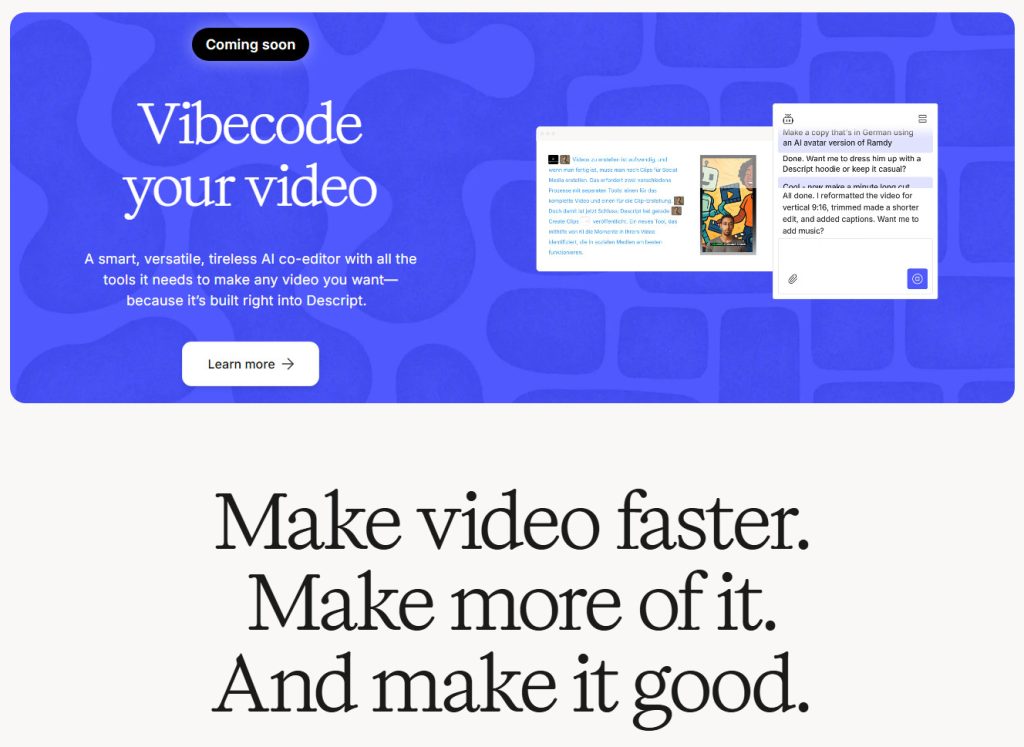
1. Descript – Best All-In-One Editor
Descript is more than just a caption tool—it’s a full video and audio editing suite. What makes it special?
- Transcribes video to editable text in real-time
- Drag-and-drop caption editing
- Fully customizable subtitle fonts, sizes, and positions
- Built-in screen recording and overdub features
Pricing:
- Free Plan: 1 hour/month transcription
- Creator Plan: $12/month – 10 hours
- Pro Plan: $24/month – Unlocks advanced features
Descript is great for podcasters, YouTubers, and course creators. It integrates with Zoom and other platforms too.
Learn more about smart editing tools in our AI video editing tools guide.
2. Rev – Best for Accuracy & Compliance
Rev is well-known for its high-quality transcription and captioning services. You get two options:
- AI captions: $0.25/minute
- Human captions: $1.99/minute
Why choose Rev?
- Compliance with ADA & FCC standards
- Multiple formats: SRT, VTT, TXT
- Integrates directly with YouTube & Vimeo
Perfect for corporate videos, legal content, or anything requiring strict accuracy. But be warned—costs can add up fast for long videos.
Visit Rev’s official site to explore more.
3. Kapwing – Best for Quick Edits in the Browser
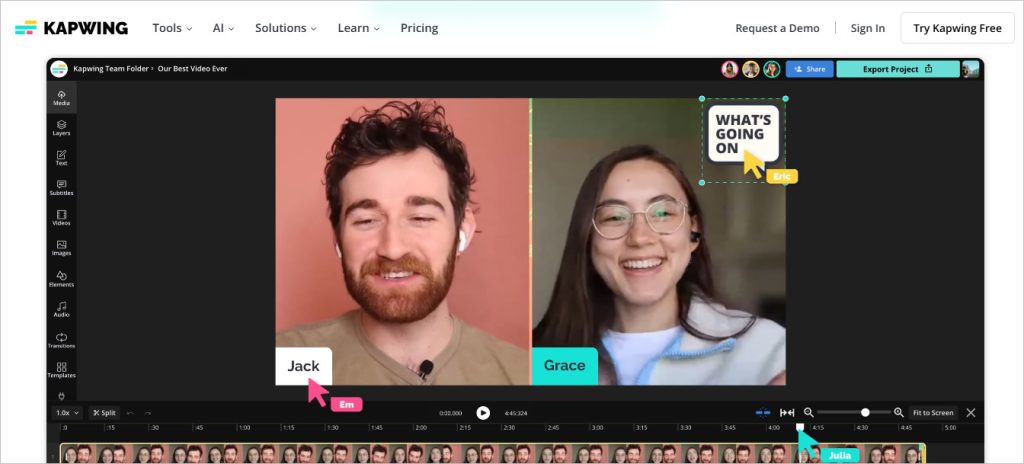
If you want something simple and online, Kapwing is awesome.
- No downloads required
- Works on desktop and mobile browsers
- Auto subtitles + full customization (fonts, positions, styles)
- Supports multiple languages
Pricing:
- Free: 7 minutes auto-captioning, 720p export, 3 exports/month
- Pro: $16/month – Unlimited exports in 1080p
Ideal for creators who don’t want to install heavy apps but still want polished captions.
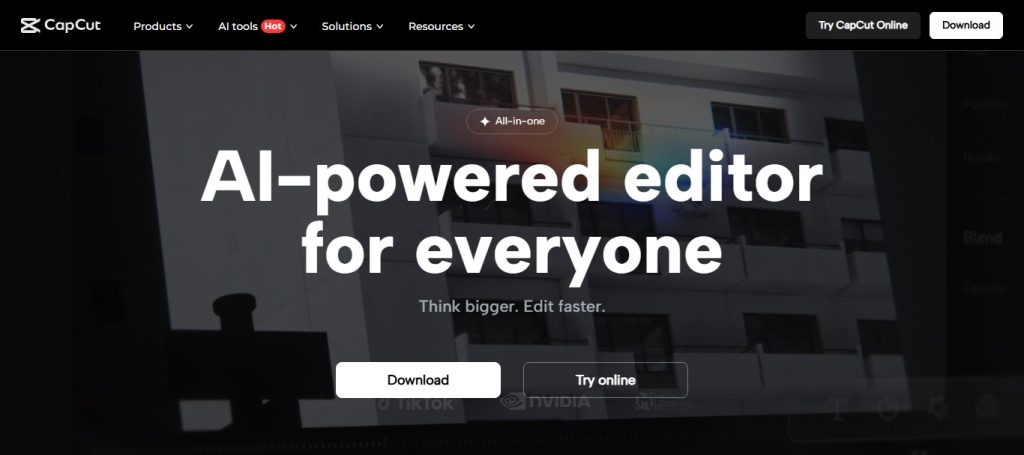
4. CapCut – Best for TikTok & Mobile Creators
Made by ByteDance (the folks behind TikTok), CapCut is packed with features:
- Speech-to-text auto captions
- Custom font styles, animations, and backgrounds
- Tight TikTok integration
- Also has a desktop version for advanced editing
Great for influencers, vloggers, and anyone creating short-form content on the go.
5. YouTube Studio – Best Free Option for YouTubers
If your main content is on YouTube, you already have access to a powerful (and free) captioning tool:
- Auto-generated captions for uploaded videos
- Manual editing for accuracy
- Multilingual subtitle support
Limitations:
- Minimal styling/customization
- Accuracy can drop with noisy audio or thick accents
But for quick YouTube uploads, it’s hard to beat.
How to Choose the Best AI Caption Generator For Video
Here are a few key questions to ask yourself:
- What’s your budget?
- Free tools are great to start, but they come with limits
- Paid tools offer more control, accuracy, and export quality
- How important is accuracy?
- AI is usually 85–95% accurate
- For legal, educational, or professional work, consider human-reviewed services
- Do you need custom styles?
- Fonts, colors, positions, animations – make sure your tool allows customization
- Which platform do you publish on?
- Some tools work better with specific platforms like YouTube, Vimeo, or TikTok
- Are you using any other tools already?
- Apps like Canva, Opus Clip, or Adobe Premiere Pro also have built-in captioning
You don’t always need to add another tool—sometimes the best option is the one you already have.
Other Noteworthy Tools with Caption Support
- Opus Clip: Great for turning long videos into shorts with auto captions
- Canva: Handy for basic video editing and auto captioning
- Adobe Premiere Pro: Advanced caption support for pros
Check if these are already part of your current workflow or subscription—it could save you both time and money.
FAQ: Best AI Caption Generator For Video
Q1: Can I trust AI captions for important projects?
A: For casual content, yes. But for legal, medical, or educational videos, human captions (like those from Rev) are safer.
Q2: What’s the easiest tool for beginners?
A: Kapwing and Descript have super friendly interfaces that are ideal for newbies.
Q3: How do I improve caption accuracy?
A: Ensure clear audio, speak at a moderate pace, and avoid background noise. Always review and edit captions before publishing.
Q4: Do AI caption tools support multiple languages?
A: Most tools like Kapwing, Rev, and Descript support various languages, but double-check if you’re targeting a non-English audience.
Q5: Which tool is best for short-form content?
A: CapCut is a top pick for TikTok, Reels, and Shorts.
Final Thoughts
Finding the best AI caption generator for video depends on your workflow, goals, and budget.
Personally, I switch between Descript for my long-form YouTube videos and CapCut for short clips.
The right captions can boost your reach, make your content more inclusive, and even help with SEO—so don’t skip this step.
If you’re serious about video content creation, investing in a solid AI caption generator will save you hours and elevate the quality of your work.
For more tools like this, check out our roundup of free AI tools for content creators.
This post may contain affiliate links. If you purchase through those links, I may earn a small commission at no extra cost to you. I only recommend tools I genuinely use and trust.