
4 Best Video Editing Software for PC in 2025!
Are you tired of scrolling through endless lists of video editing tools, trying to find the best video editing software for PC that actually fits your needs?
Whether you’re a total beginner eager to learn the ropes or a seasoned editor looking for powerful tools, this guide is here to help you make the right choice.
In 2025, the landscape of video editing has evolved dramatically, with new features, AI-powered tools, and user-friendly interfaces making editing more accessible than ever. I’ve tested and reviewed the top options—both free and paid—to bring you the most reliable, feature-packed, and easy-to-use video editing software for Windows.
So, if you’re ready to create stunning videos for YouTube, social media, or your personal projects, let’s dive into the best options available right now.
Why Choosing the Right Video Editing Software Matters
Before we explore the top tools, it’s important to understand why selecting the best video editing software for PC is crucial. Your choice impacts not only the quality of your final product but also your workflow, learning curve, and budget.
Are you after quick edits for social media? Or do you need professional-grade software for cinematic projects? The right tool should align with your skill level, project scope, and future goals.
Now, let’s look at some of the top contenders for 2025.
Top 4 Video Editing Software for PC in 2025
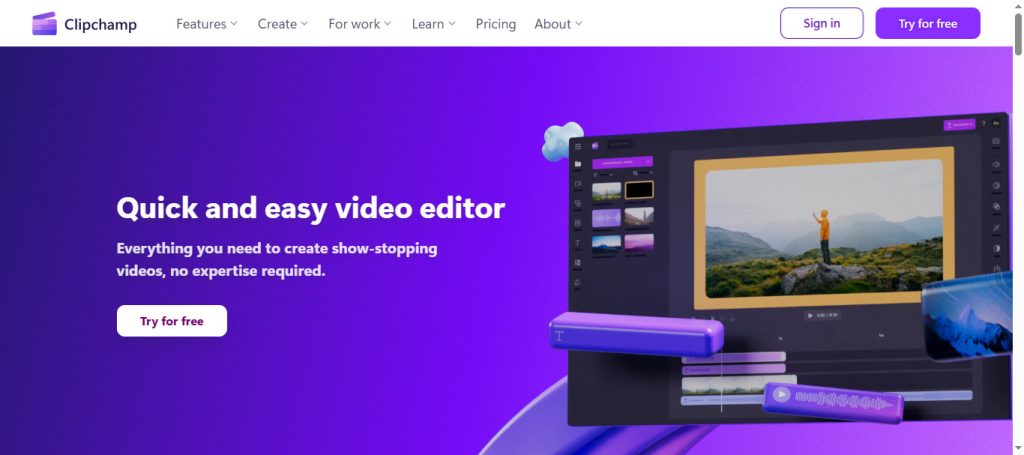
1. Clipchamp: The Perfect Starter for Basic Editing
Best for beginners and quick edits
Since being acquired by Microsoft, Clipchamp has become a staple in Windows’ built-in options. It’s a fantastic free video editing software that offers an intuitive, drag-and-drop interface. Perfect for those just starting out or needing to make simple edits.
Key features:
- Easy import/export of videos
- Multiple video layers for simple projects
- Templates and transitions for quick editing
- Support for popular formats and social media sizes
- Cloud-based and desktop versions
Why I recommend it:
If you’re new to video editing or want a hassle-free tool to produce decent videos without a steep learning curve, Clipchamp is your go-to. It supports videos up to 1080p in the free version, with no watermark unless you upgrade to premium.
Pricing:
Free for basic use; premium features like 4K export and AI tools start at $11.99/month.
External link: Official Clipchamp
2. CapCut: The All-in-One Powerhouse
Best for creative effects and AI-driven editing
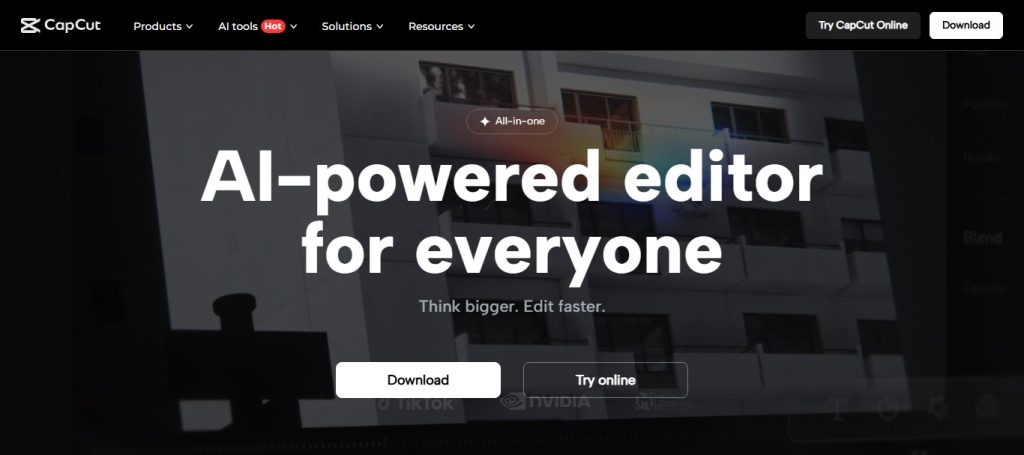
CapCut has skyrocketed in popularity, especially among TikTok and YouTube creators. Available on Windows, Mac, iOS, and Android, it’s a top video editing software that combines ease of use with advanced features.
Key features:
- Extensive effects library and transitions
- AI tools like auto captions, background removal, and speech synthesis
- Text-to-video editing
- Cross-platform project transfer
- Support for 4K exports (Pro plan required)
Why I recommend it:
If you want a top video editing software that balances beginner-friendly features with professional effects, CapCut is hard to beat. The AI tools are particularly impressive, saving tons of editing time.
Pricing:
Basic version is free, but exporting without watermarks or in 4K requires a subscription (~$7.99/month).
Try here: Capcut.com
Note: Some free exports may include watermarks depending on your device and plan.
See more: Make Money on YouTube with AI: Earn $5,000/Month Fast
3. Descript: Redefining Video Editing with Text
Best for content creators and podcasters
Descript is a revolutionary video editing software that emphasizes text-based editing. It’s perfect if you prefer editing videos like editing a document—highlighting, deleting, and rearranging text that automatically updates your video.
Key features:
- Automatic transcription of speech
- Edit videos by editing text
- Remove filler words and mistakes with a click
- AI-powered background noise removal
- Script analysis and retake suggestions
- Export in 1080p or 4K
Why I recommend it:
If you’re creating content for YouTube, podcasts, or courses, Descript can dramatically speed up your editing process. It’s especially useful for those who aren’t comfortable with traditional timeline editing.
Pricing:
Starts at $12/month (hobbyist), with higher plans for advanced AI features.
External link: Official Descript
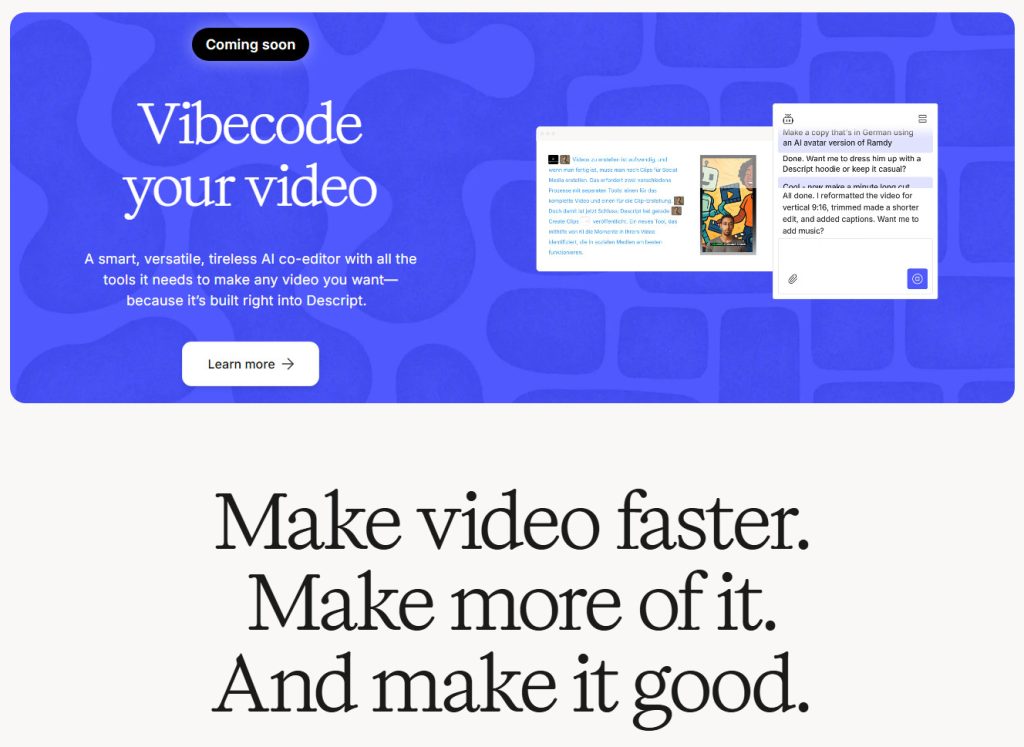
How to: Descript AI Video Editing Made Me $2,500—But There’s a Catch
4. DaVinci Resolve: The Professional’s Choice
Best for intermediate and advanced users
DaVinci Resolve is renowned for its professional-grade features, including color grading, visual effects, and audio editing. Its free version is packed with tools that rival high-end editing suites used in Hollywood.
Key features:
- Multi-page workflow (Edit, Color, Fusion, Fairlight)
- Advanced color correction and grading
- 8K editing support
- Collaborative editing for teams
- AI tools like facial recognition and scene cut detection
Why I recommend it:
If you’re serious about video editing and want a best video editing software for PC that can grow with your skills, Resolve is unmatched. It’s not beginner-friendly, but for those willing to learn, it’s a game-changer.
Pricing:
Free version available; Studio version costs $299 with additional AI features.
System requirements:
A powerful PC is recommended for smooth operation. Check Blackmagic Design’s official specs.
How to Choose the Right Video Editing Software for You
To find the best video editing software for PC that suits your needs, consider these factors:
- Skill level: Beginners should start with intuitive tools like Clipchamp or CapCut. Intermediate users might prefer Descript or DaVinci Resolve.
- Project type: Social media clips? Go for CapCut or Clipchamp. Professional projects? DaVinci Resolve is the way to go.
- Budget: Free options like DaVinci Resolve and Clipchamp are excellent. Paid tools offer more advanced features.
- AI features: Want faster editing? Look for software with AI tools like background removal, auto captions, or script analysis.
- System specs: Ensure your PC meets the software’s requirements, especially for demanding programs like Resolve.
FAQs About the Best Video Editing Software for PC
Q1: Is free video editing software good enough for professional work?
Absolutely. Tools like DaVinci Resolve and Clipchamp offer professional features without any cost. For high-end projects, paid software may provide more advanced options.
Q2: Can I edit videos for YouTube with these tools?
Yes. All the listed options are perfect for creating YouTube content, from simple vlogs to complex tutorials.
Q3: What’s the easiest software for beginners?
Clipchamp and CapCut are the most beginner-friendly, thanks to their simple interfaces and guided workflows.
Q4: Do I need a powerful PC for DaVinci Resolve?
Yes. For optimal performance, check the official system requirements. Resolve benefits from a high-performance CPU, GPU, and plenty of RAM.
Final Thoughts
Choosing the best video editing software for PC in 2025 depends on your skill level, project needs, and budget. Whether you prefer a straightforward tool like Clipchamp, an AI-powered editor like CapCut, or a professional suite like DaVinci Resolve, there’s something for everyone.
Remember, the right software can elevate your content and streamline your workflow. Take advantage of free trials and explore each option’s features to find your perfect match.
Disclosure: We may earn a small commission through affiliate links at no extra cost to you. This helps us keep creating valuable content for you.
Ready to start editing? Check out our detailed tutorials and resources at Tachilink.com to level up your video editing game today!